
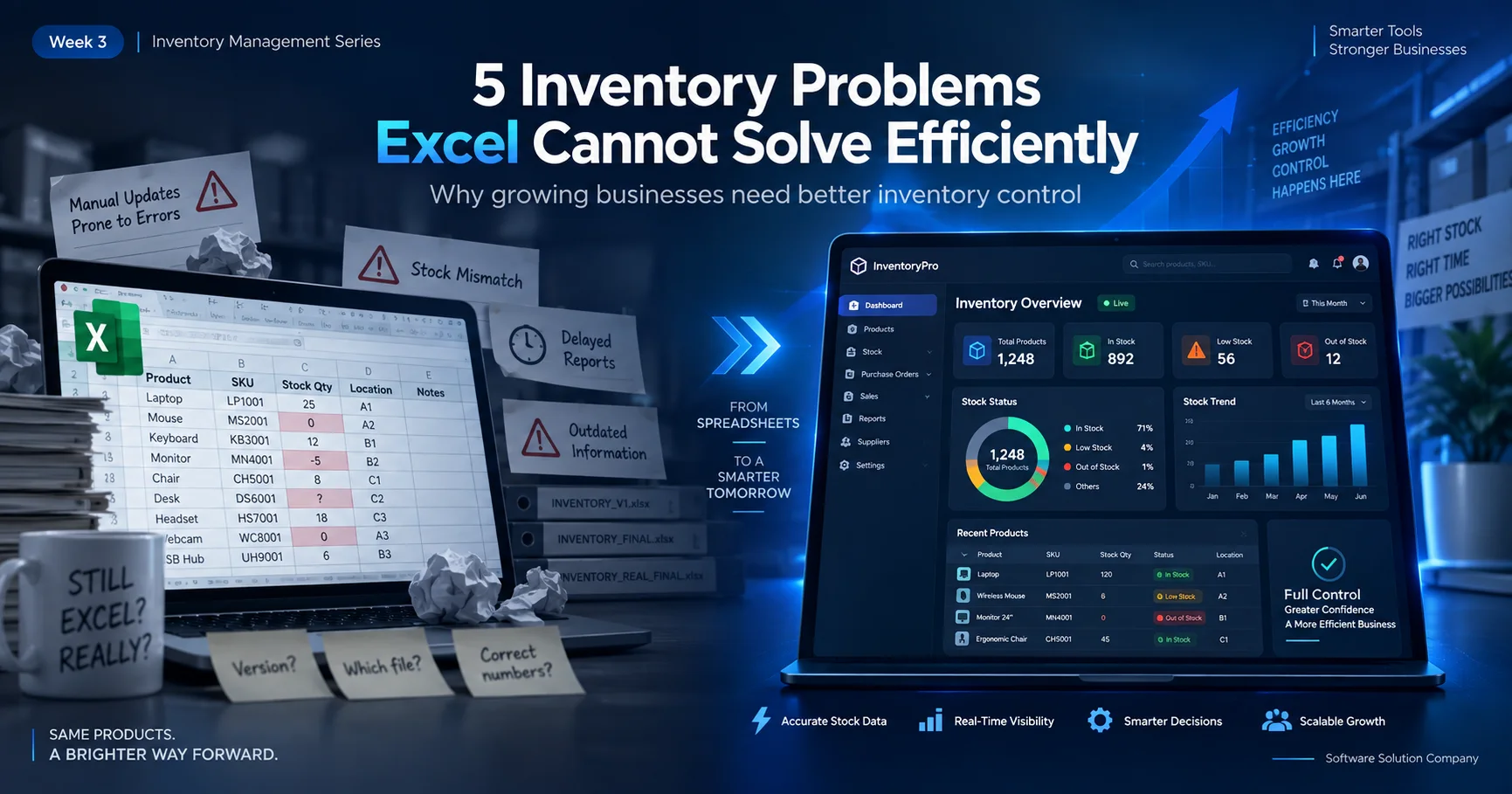
For many small businesses, inventory management starts with a spreadsheet.
At the beginning, that often makes sense. A few products, a limited number of purchases and sales, and one person maintaining the records can usually be handled with Excel or Google Sheets.
The problem appears when the business grows.
More products are added. Multiple employees start entering information. Stock moves between locations. Purchases and sales happen throughout the day. Management needs reports quickly, while the spreadsheet becomes larger, slower and harder to verify.
At that stage, the issue is no longer whether Excel can store inventory data. It can.
The real question is whether a spreadsheet can provide the level of control, visibility and accountability a growing business needs.
Here are five common inventory problems that become increasingly difficult to manage with spreadsheets.
1. You Cannot See the Real Stock Position Clearly
One of the biggest challenges with spreadsheet-based inventory is knowing whether the number on the screen reflects what is actually available.
Suppose your spreadsheet says a product has 100 units in stock.
Since that number was last updated, several things may have happened.
Some items may have been sold. A new purchase may have arrived. Products may have been transferred to another branch. A sales return may have been received. Damaged goods may have been removed.
If every movement is not recorded immediately and correctly, the spreadsheet quickly stops representing reality.
This creates a dangerous situation: management appears to have stock information, but cannot fully trust it.
A structured inventory management system connects stock movements with the transactions that create them. Instead of manually calculating the final quantity every time, the system maintains a clearer record of how inventory changes.
The objective is not simply to show a stock number.
It is to help answer:
What do we have now, and why is that the current quantity?
2. Multiple Users Create Version and Accuracy Problems
Spreadsheets become much more complicated when more than one person is responsible for inventory records.
One employee updates purchases.
Another records sales.
Someone else maintains stock adjustments.
A manager later opens another copy of the same file.
Soon there may be:
Inventory-Final.xlsx
Inventory-Final-New.xlsx
Inventory-Updated.xlsx
Inventory-Updated-Final.xlsx
The problem is obvious: which file contains the correct information?
Cloud spreadsheets reduce some of this problem, but they do not automatically create a proper transaction workflow, user responsibility structure or audit trail.
When an important number changes, management may also need to know:
Who changed it? When was it changed? What transaction caused the change?
These questions become particularly important when inventory has a significant financial value.
A properly designed business system can assign access according to user roles and maintain better operational traceability. This helps reduce dependence on one person or one file.
3. Branch and Stock Transfer Management Becomes Difficult
A single stock location is comparatively simple.
Multiple branches, warehouses or stores are not.
Imagine a business with three locations.
Head Office has 200 units of a product.
Branch A receives 40 units.
Branch B sends 15 units back.
Another 20 units are transferred from Branch A to Branch C.
In a spreadsheet, all of these movements must be entered accurately and then reflected in the correct location balances.
A small mistake can cause multiple stock positions to become incorrect.
The difficulty increases when management wants to know:
Which branch currently has the item?
When was it transferred?
How much stock does each location have?
What quantity is in transit or awaiting confirmation?
A structured inventory system can treat stock transfers as actual operational transactions rather than simply changing numbers in different spreadsheet cells.
That makes multi-location inventory easier to monitor and reconcile.
4. Reports Require Too Much Manual Work
Spreadsheets can produce reports, but growing businesses often discover that management reporting becomes another manual process.
For example, management may want to know:
Which products are selling most?
Which items have not moved recently?
How much stock is currently held?
What was purchased this month?
How much was sold?
Which products may need replenishment?
What is the stock position of each branch?
If the source data is spread across multiple sheets or files, someone must first clean, combine and verify the information before management can use it.
That creates a delay between business activity and business decision-making.
An inventory management system can organize transactional information in a way that makes operational reports easier to produce.
This does not mean software makes business decisions automatically.
It means management can spend less time preparing information and more time using it.
5. Spreadsheet Errors Become Expensive as the Business Grows
A small spreadsheet error may look harmless.
A wrong formula.
A copied cell.
An accidental deletion.
A quantity entered into the wrong row.
A filter that hides important records.
When inventory volume is small, these mistakes may be easy to identify.
As the business grows, however, one small error can affect purchasing, sales, stock availability and financial decisions.
For example, an incorrect stock quantity may cause the business to order products it already has—or fail to reorder something that is actually running out.
The cost is not simply the spreadsheet error itself.
The cost comes from the business decision made using incorrect information.
That is one of the main reasons growing companies eventually move away from spreadsheet-dependent inventory management.
Does This Mean Excel Is Bad?
No.
Excel is an excellent tool.
It is useful for analysis, calculations, planning, importing and exporting information, ad-hoc reports and many other business tasks.
The problem begins when a spreadsheet is expected to perform the role of a complete operational system.
There is an important difference between:
using Excel to analyse inventory
and
using Excel as the inventory management system itself.
The first can remain useful even after a business implements software.
The second becomes increasingly risky as transaction volume, users, products and locations grow.
When Should a Business Consider Inventory Management Software?
There is no single number of products or employees that automatically means a business needs software.
The better indicator is operational complexity.
If your team regularly struggles to understand current stock, reconcile branch quantities, trace inventory changes or prepare reports, the business may have reached the point where a structured system is worth considering.
Another sign is when employees spend significant time maintaining spreadsheets instead of performing productive operational work.
At that point, the purpose of automation is not simply to replace Excel.
It is to create a more reliable business workflow.
What Should an Inventory System Actually Help You Manage?
A useful inventory solution should reflect the way the business actually operates.
Depending on the organization, this may include product management, purchases, sales, stock movements, branch transfers, customer and supplier records, collections and management reports.
The exact modules should depend on business requirements rather than forcing every company into the same workflow.
This is especially important for businesses moving from spreadsheets to software.
The first step should be understanding the existing process: how stock enters the business, how it moves, how it is sold and how management currently checks the numbers.
Software should then make that process more organized and easier to monitor.
From Spreadsheet Records to Better Inventory Visibility
Moving from Excel to an inventory management system does not need to happen overnight.
A business can begin by identifying its most important inventory problems.
For example:
Are current stock quantities difficult to trust?
Is branch stock difficult to reconcile?
Are reports taking too long?
Are several employees maintaining separate files?
Are purchases and sales disconnected from inventory records?
Once those problems are clear, it becomes much easier to determine what the software actually needs to solve.
The goal should not be “buy software because everyone else is using software.”
The goal should be:
build a more reliable way to manage inventory as the business grows.
Need a More Structured Inventory Management System?
Software Solution Company develops business software solutions based on practical operational requirements.
Our Inventory Management Software can help businesses organize stock, purchases, sales, transfers and reporting within a more structured workflow.
If your business has outgrown manual stock records or spreadsheet-based inventory management, we can review your current process and discuss an appropriate solution.
Explore our Inventory Management
Software:
https://softwaresolutioncompany.com/inventory-management-software
Need a consultation or demo?
https://softwaresolutioncompany.com/contact