DEALERSHIP MANAGEMENT

Dealership Business Management Software in Bangladesh

Manage dealership sales, purchases, inventory, customer or dealer accounts, collections, dues and management reporting from a connected business system.

SOFTWARE SCREENSHOTS

See Dealership Business Management Software in Bangladesh | SSC in action.

Real product screens show selected workflows and operational views. Exact modules and screen layout can vary by configuration and software version.

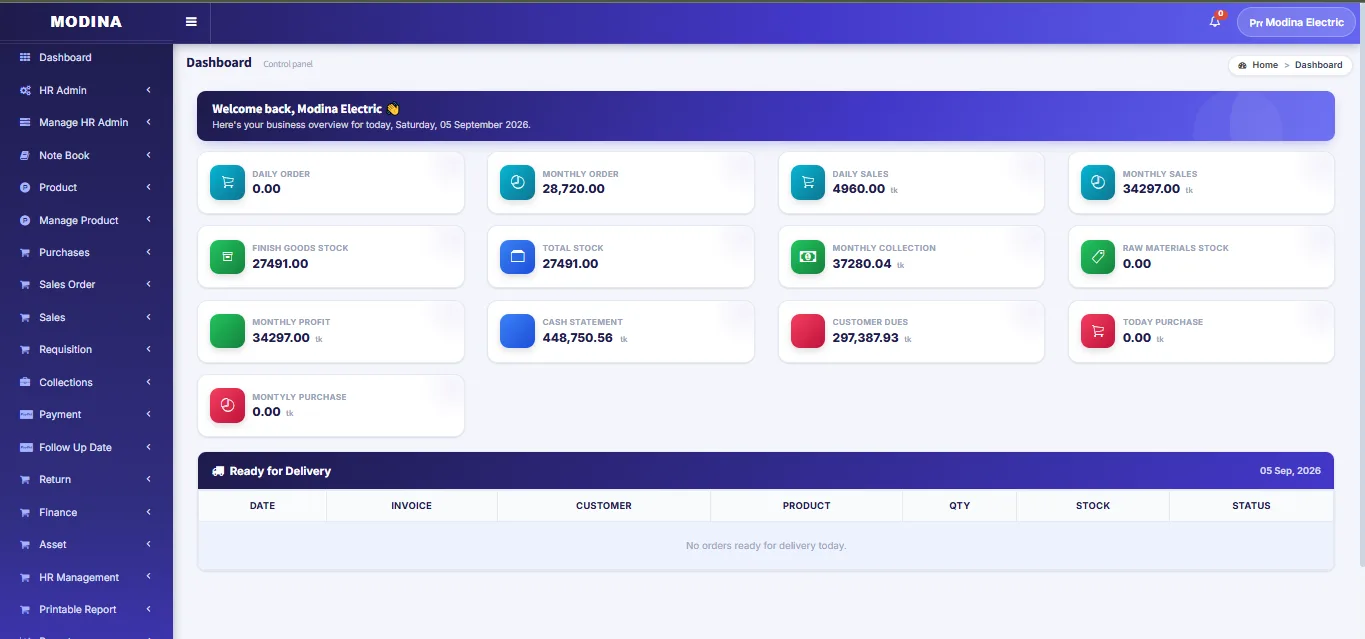
Modina Electric Dashboard
Modina Electric DashboardCurrent interface preview. Updated screenshots can be managed from the Admin Panel without changing this page URL.
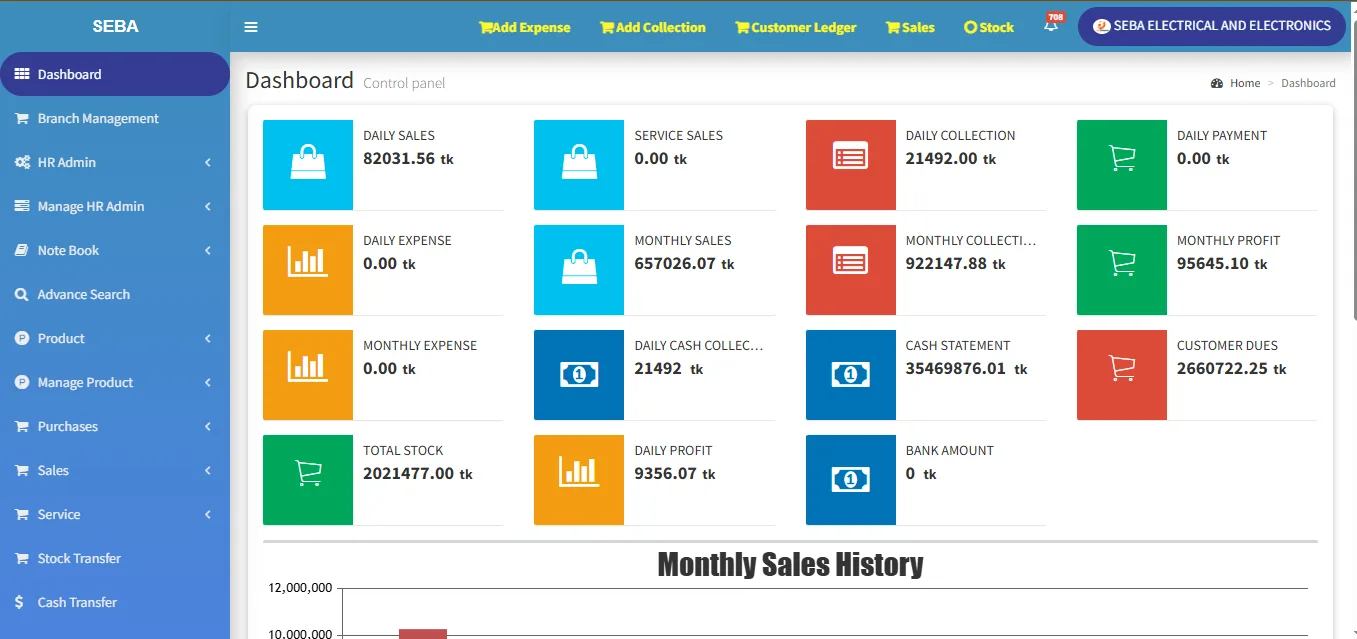
Seba Electrical Dashboard
Seba Electrical DashboardCurrent interface preview. Updated screenshots can be managed from the Admin Panel without changing this page URL.
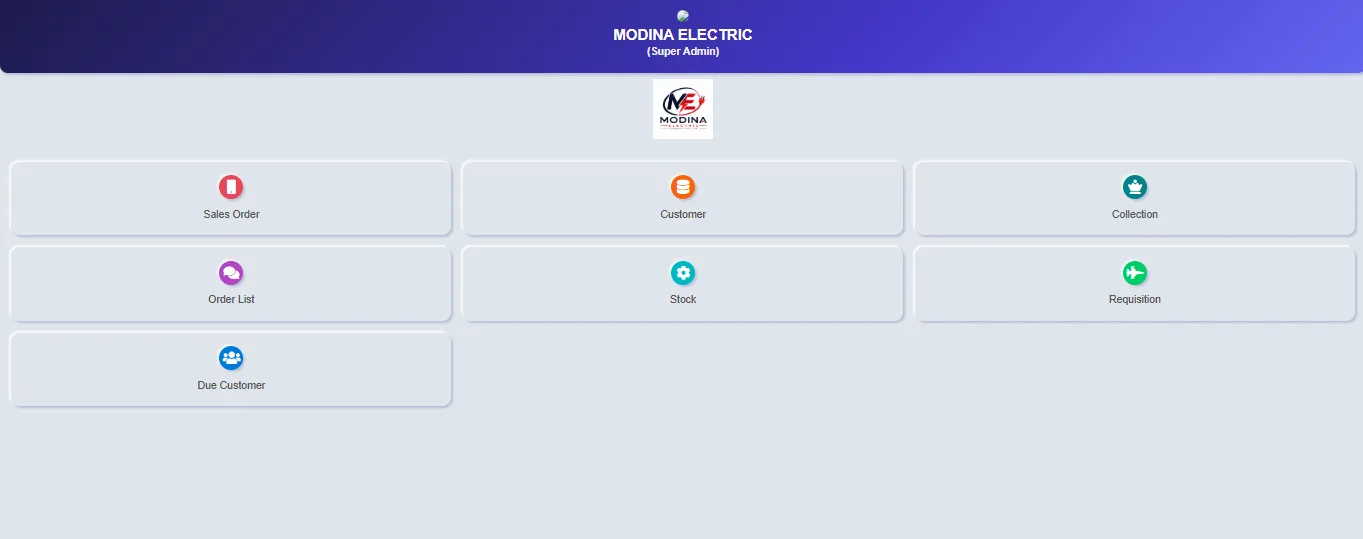
Modina Electric App View
Modina Electric App ViewCurrent interface preview. Updated screenshots can be managed from the Admin Panel without changing this page URL.
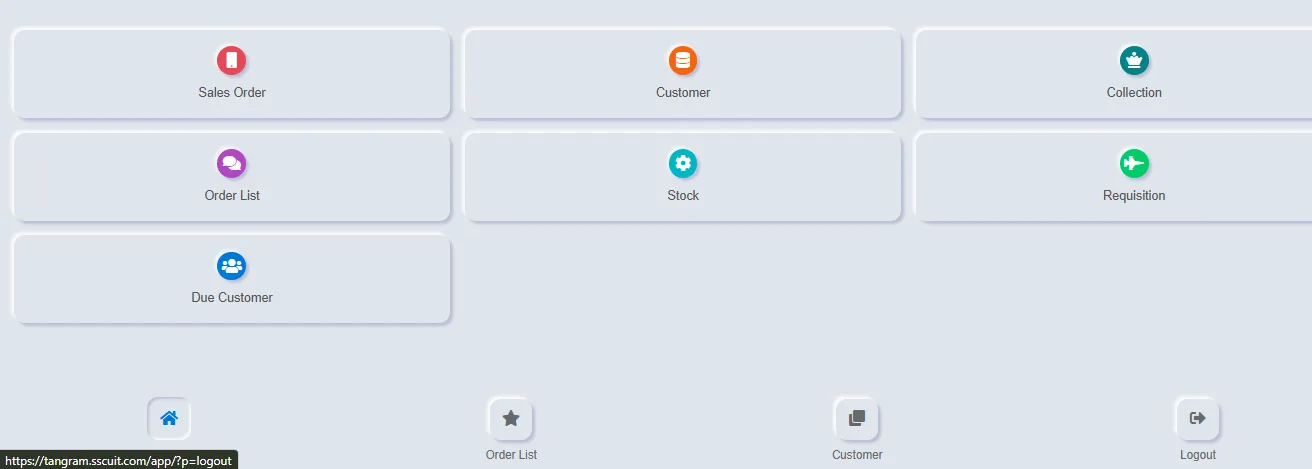
Seba Electrical App View
Seba Electrical App ViewCurrent interface preview. Updated screenshots can be managed from the Admin Panel without changing this page URL.
IS THIS A GOOD FIT?

A strong fit when sales, dealer balances, collections and stock must stay connected.

  • You sell through dealers, distributors or credit customers.
  • Outstanding balances and collections need clearer follow-up.
  • Sales, deliveries, returns and stock are recorded in different places.
  • Management needs dealer-wise and product-wise reporting.
WHAT THE DEMO SHOULD COVER

Evaluate the workflow, not just the screen design.

  • Dealer/customer and product setup
  • Sales, delivery and return workflow
  • Collection, balance and due tracking
  • Inventory and management reports
Book a Dealership Demo →
CORE CAPABILITIES

Built around the operational workflow.

The exact modules can be configured around your business rules, user roles, reports and approval process.

Dealer & Customer Accounts

Maintain customer/dealer profiles, credit terms, balances and transaction history.

Sales & Order Management

Record orders, invoices, deliveries, returns and sales activity in a structured workflow.

Purchase & Supplier Control

Track supplier purchases, receiving, returns and payable-related operational records.

Inventory by Product & Location

Monitor stock, transfers and availability across the locations relevant to your dealership.

Collection & Due Tracking

Follow payments, outstanding balances and collection status for credit-based business.

Sales & Management Reports

Review product movement, customer activity, sales performance, dues and operational summaries.

WORKFLOW

A structured path from daily transactions to management visibility.

Good software connects the steps that people already perform and reduces repeated data entry.

STEP 01

Set up products, dealers and terms

Configure products, customers/dealers, suppliers, price rules and user permissions.

STEP 02

Process sales and deliveries

Create orders/invoices, issue goods and maintain transaction history.

STEP 03

Record collections and returns

Update payments, dues, adjustments and returned goods against the right accounts.

STEP 04

Monitor stock and performance

Use reports for stock, sales, customer balances and management follow-up.

BUSINESS BENEFITS

What a connected system can improve.

  • Reduce manual ledger dependency
  • See customer/dealer dues more clearly
  • Connect sales, collections and stock movement
  • Improve transaction traceability
  • Support management decisions with consolidated reports
WHO IT IS FOR

Designed for practical operating environments.

  • Distributors and authorized dealers
  • FMCG and consumer-product dealerships
  • Building material, electronics and equipment dealers
  • Businesses selling through dealer/customer credit relationships
FAQ

Questions buyers usually ask.

Final scope depends on your process, data, users and reporting requirements.

Can it handle credit sales and customer dues?

Yes. Customer/dealer balances, collections and outstanding amounts can be part of the configured workflow.

Can pricing differ by dealer or customer type?

Pricing rules and customer groups can be discussed during scope definition.

Can multiple warehouses or branches be included?

Yes. Location-wise stock and transfers can be configured where required.

Can it connect with accounting?

Accounting integration or connected financial reporting can be included depending on the implementation scope.

SEE YOUR WORKFLOW IN THE SYSTEM

See the software against your own operating process.

A useful demo should answer how your team will enter data, control access, complete daily tasks and review the reports that matter to management.