Take Better Control of Your Inventory
Inventory is directly connected with purchasing, sales, cash flow and customer service. When stock information is maintained through separate spreadsheets, notebooks or manual records, it becomes difficult to understand what is available, what is moving and what needs attention.
Software Solution Company's Inventory Management Software brings important inventory activities into one organized system so that management can monitor stock and business operations more efficiently.
What You Can Manage
The system can support key inventory and business workflows such as:
- Product and item management
- Purchase recording
- Sales recording
- Current stock monitoring
- Stock movement and transfer
- Branch-wise inventory management
- Customer and supplier related records
- Cash and collection information
- Stock and sales reporting
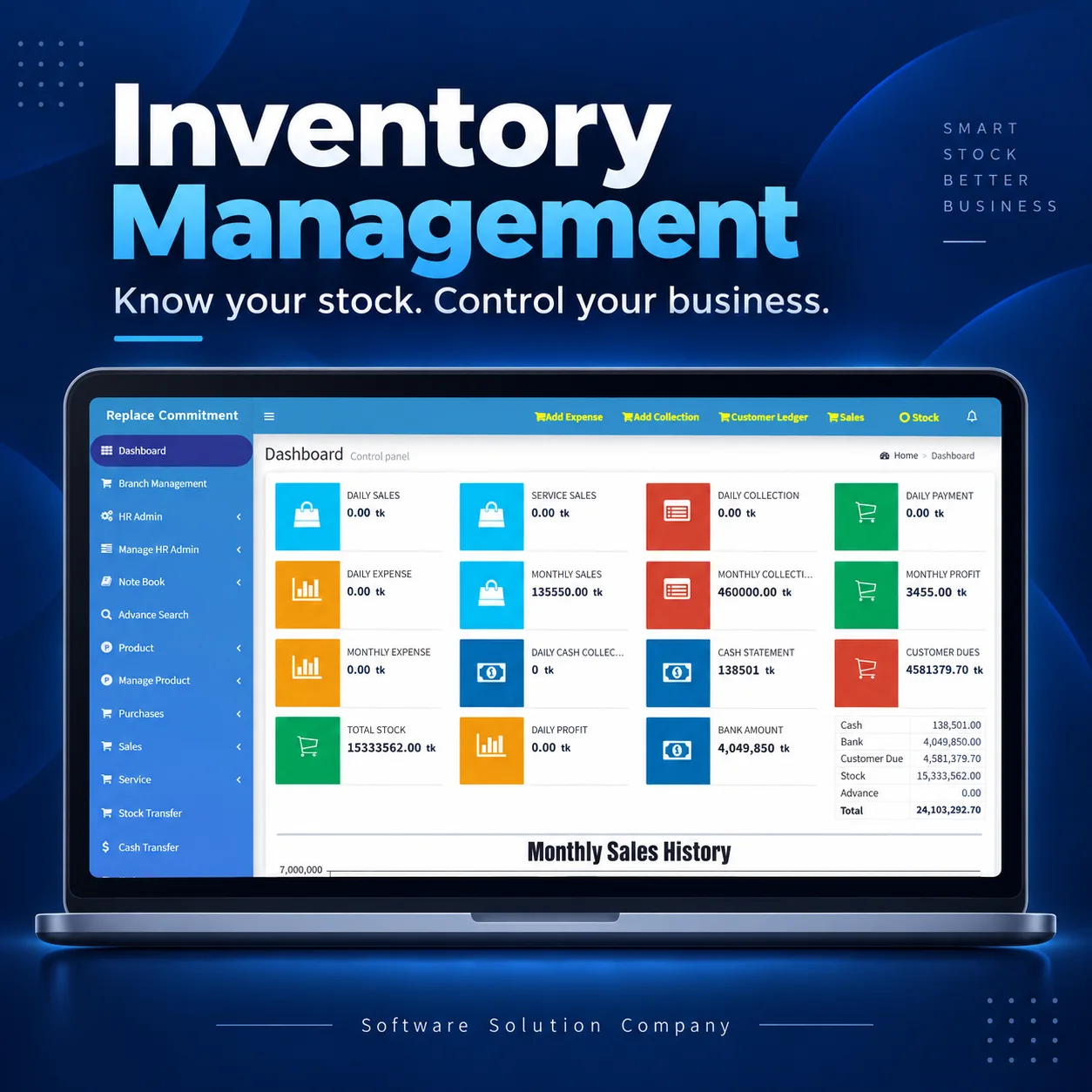
- Management dashboard and operational overview
Available modules can be configured according to the requirements of the business.
Better Stock Visibility
A structured inventory system helps you understand:
- Which items are currently available
- Which products are moving faster
- Which items may require replenishment
- Purchase and sales movement
- Stock transferred between locations or branches
- Important stock and business figures from the dashboard
This reduces dependency on scattered manual records and makes information easier to review.
Purchase, Sales and Stock in One Workflow
Instead of keeping purchasing, sales and inventory information separately, the software helps connect these activities in a more organized workflow.
Purchase → Stock → Sales → Stock Movement → Reports
This makes day-to-day monitoring simpler and helps management make decisions using updated operational information.
Suitable for Different Businesses
Inventory Management Software can be useful for businesses such as:
- Trading companies
- Distributors
- Wholesalers
- Retail businesses
- Multi-branch businesses
- Service and product businesses
- Stores and warehouses
- Small and medium enterprises
- Businesses moving from manual records or spreadsheets to software
The final configuration should always be based on the actual business process.
Real Software, Practical Workflow
Our approach is not simply to provide a generic stock screen. We first understand how the business currently handles purchasing, sales, stock, transfers and reporting, and then configure the solution around the required workflow.
Existing modules and reports may also be customized when the project scope requires it.
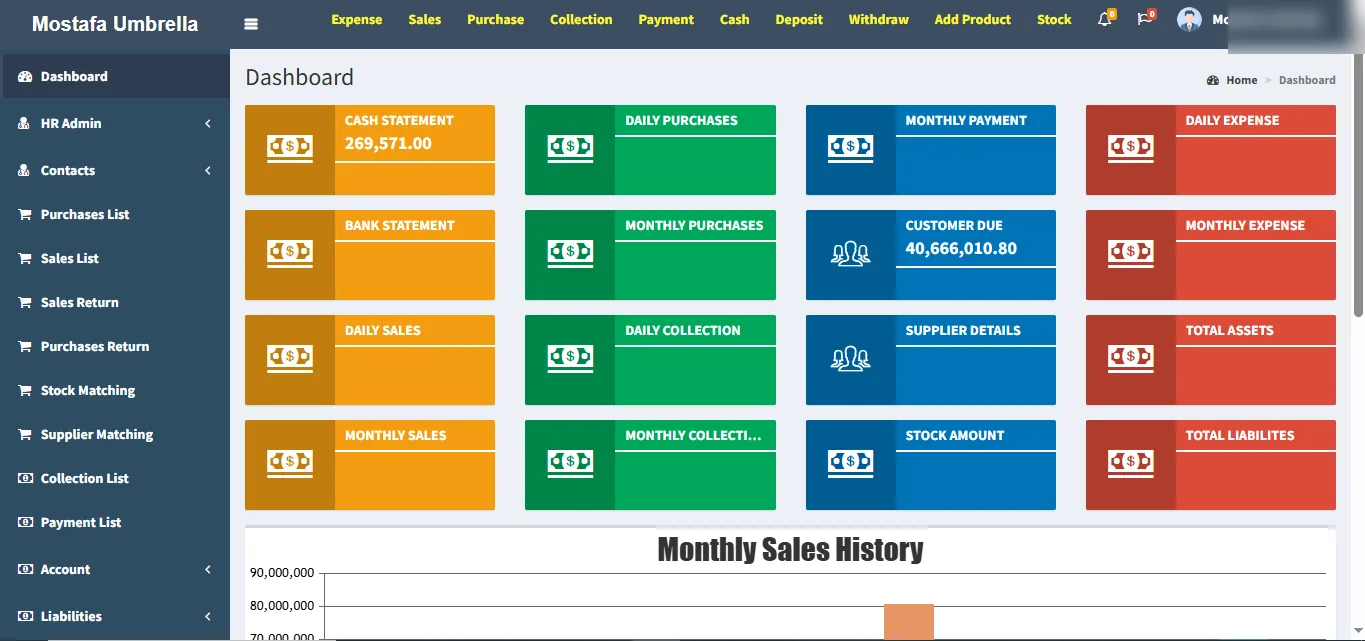
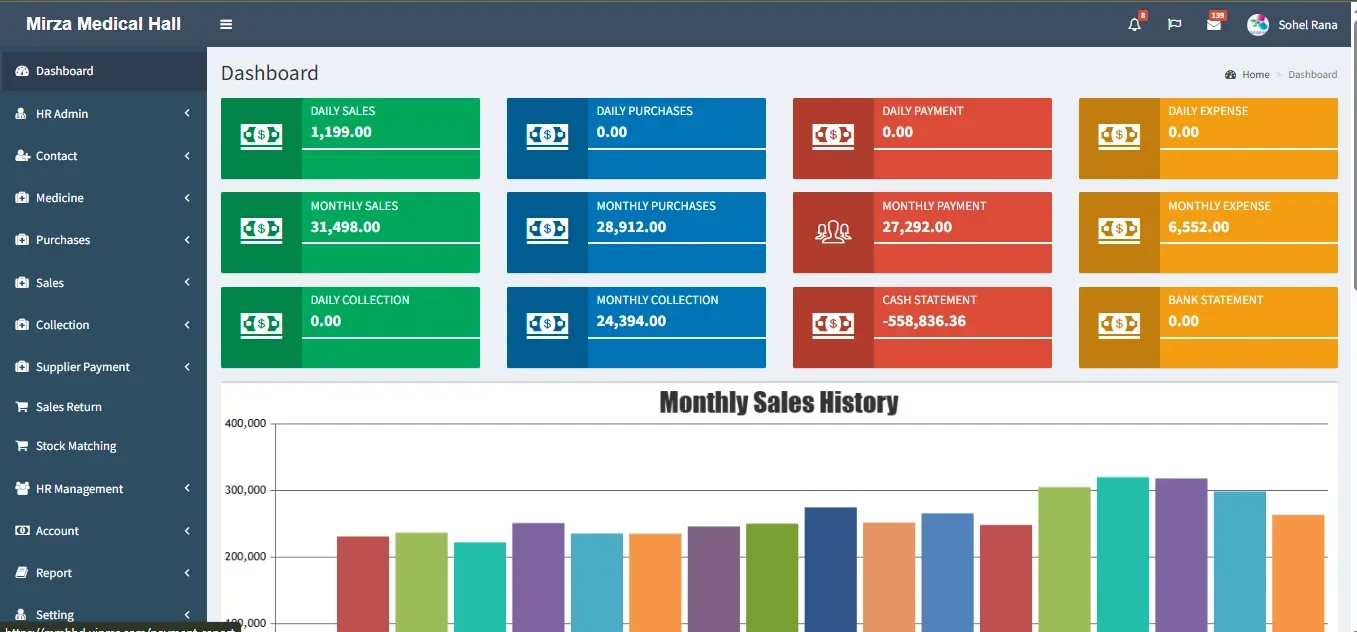
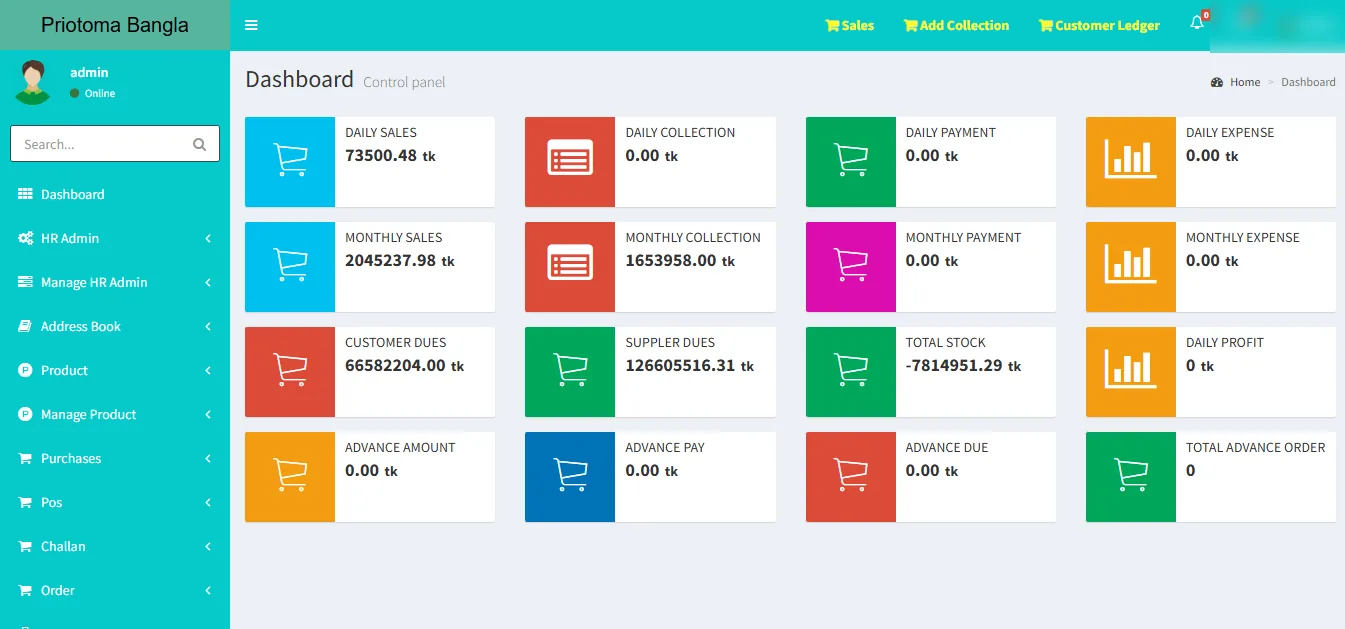
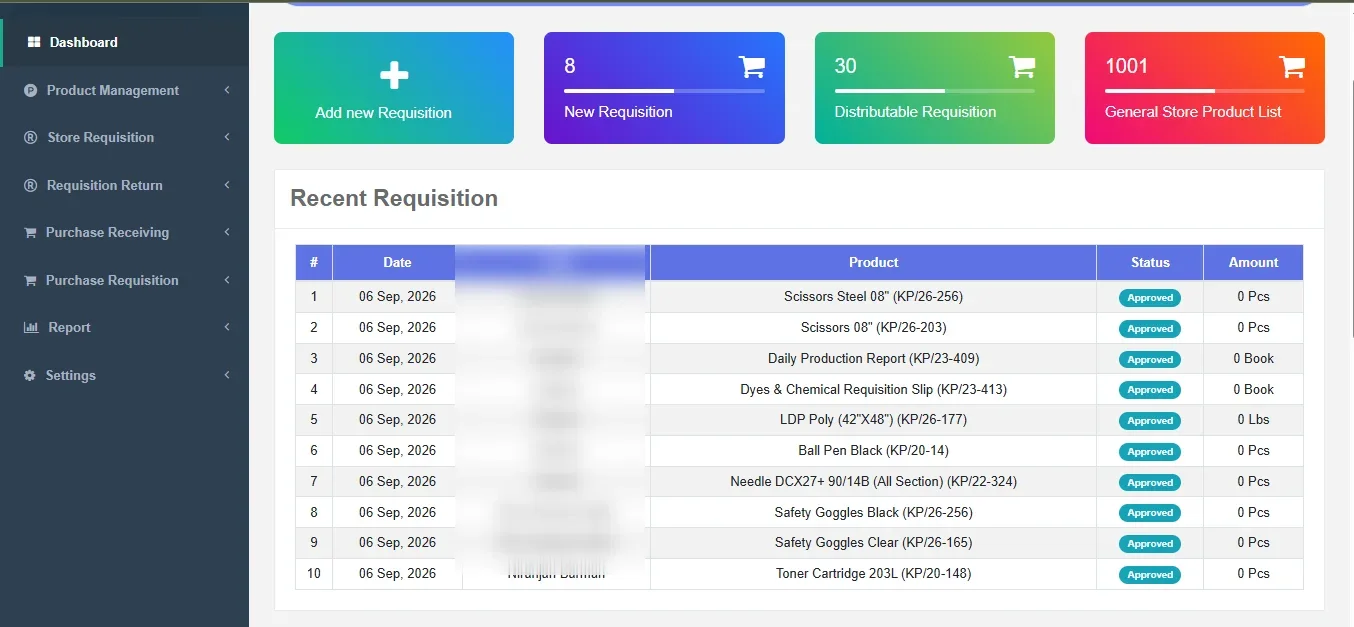
See the Software in Action
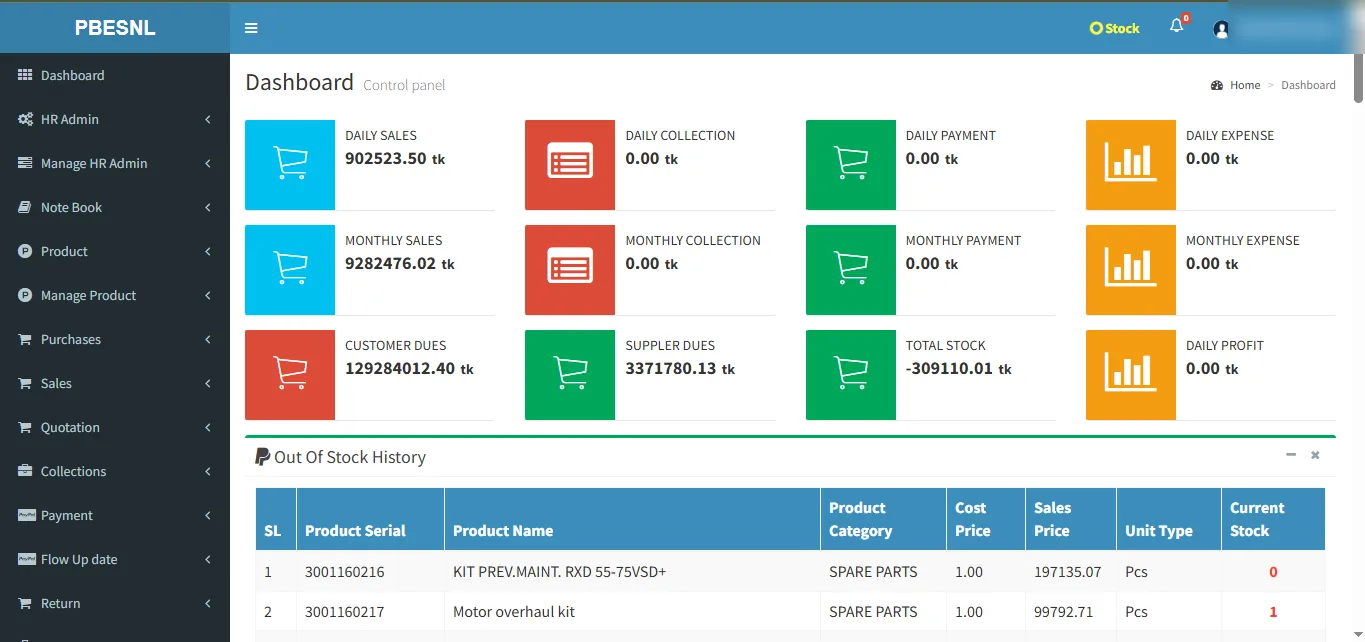
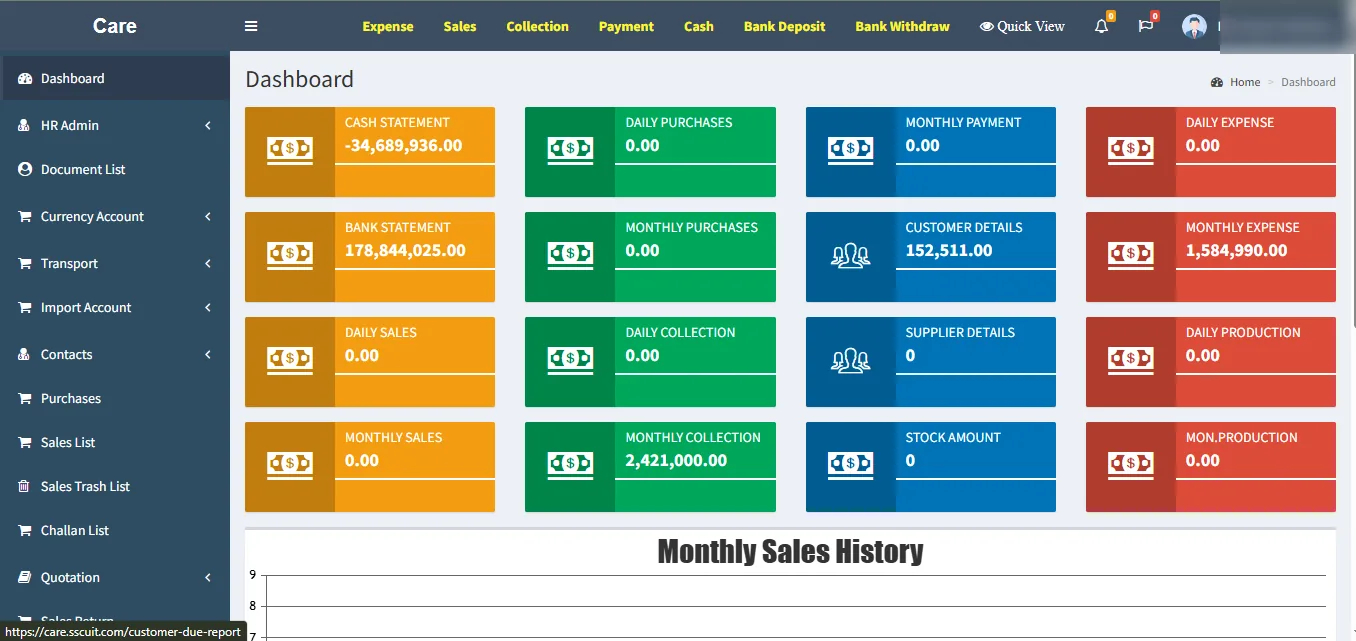
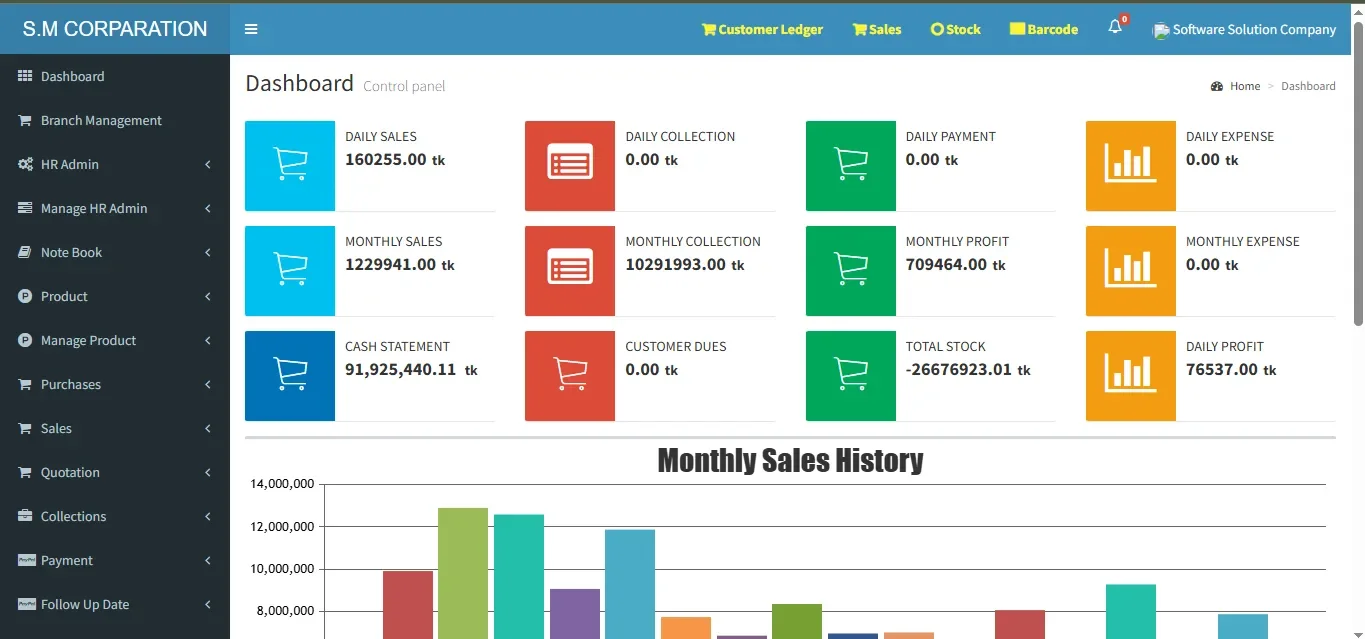
Real software screenshots can be displayed here to demonstrate selected dashboard, stock, purchase, sales and reporting workflows.
For privacy and security, sensitive customer or business information may be removed or blurred before screenshots are shown publicly.
Why Use an Inventory Management System?
A properly implemented inventory system can help a business:
- Reduce repetitive manual work
- Keep stock information more organized
- Improve visibility across purchasing and sales
- Monitor inventory movement more easily
- Access important reports faster
- Reduce reliance on multiple spreadsheets
- Support better operational decisions
Software does not replace management decisions—it provides better organized information to support those decisions.
Need Inventory Software for Your Business?
If your business currently manages stock through spreadsheets, notebooks or disconnected software, we can review your workflow and discuss an appropriate Inventory Management solution.
Request a Demo or Consultation
Software Solution Company
Dhaka, Bangladesh
Financial visibility that supports inventory — not a separate full accounting product.
The Inventory Management Software can keep the operational financial information needed around stock: sales and purchase values, customer and supplier dues, collections, payments, expenses and related management summaries.
Full general-ledger accounting, statutory accounting, complex journal workflows, trial balance or complete financial-statement functionality is not presented as a standard core promise. If those capabilities are required, they should be scoped separately during requirement review.
Real inventory software client implementations.
Review approved client references and dashboard screenshots from multiple inventory and business-management deployments.
Selected Inventory Clients · Business